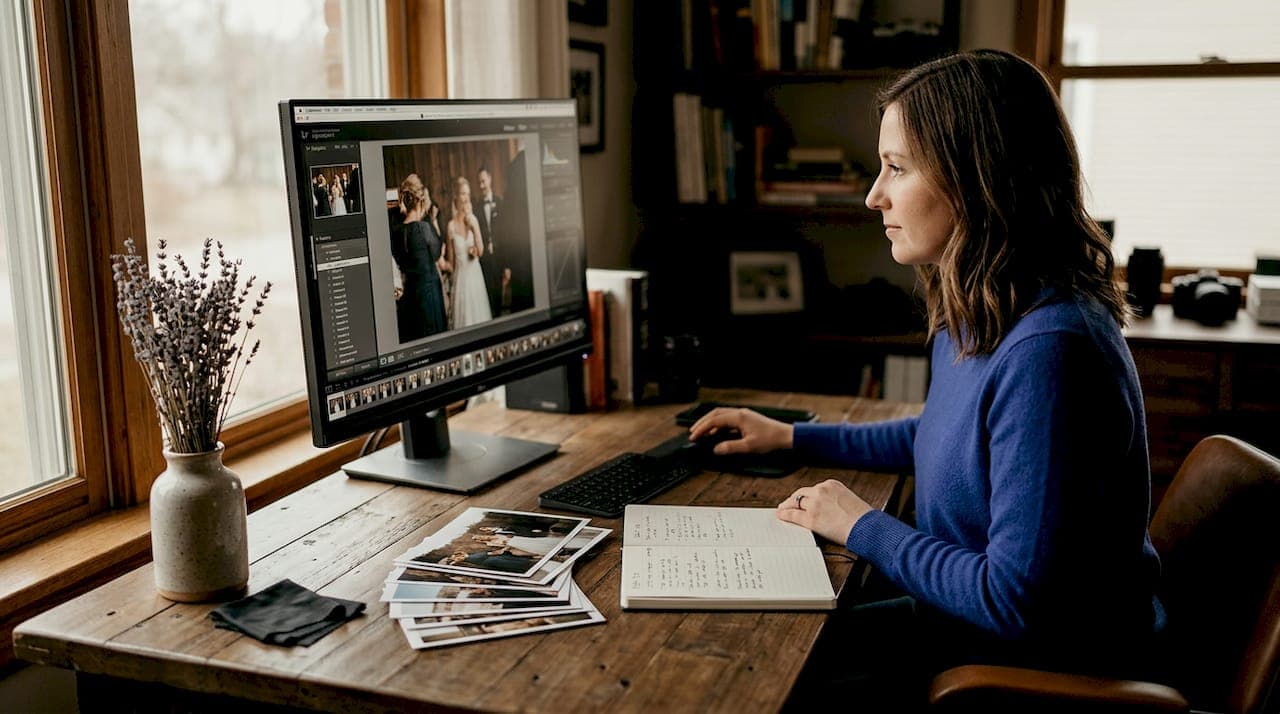
If you've ever wondered what are wedding photography presets and how they differ from a basic Instagram filter, you're asking the right question. Presets are precision-built editing recipes that photographers apply to raw images inside Adobe Lightroom, adjusting dozens of settings with a single click. But calling them "filters" undersells what they actually do. In wedding photography, where you're editing 500 to 1,000 images shot under radically different lighting conditions, presets are the difference between a cohesive gallery and a chaotic mess of inconsistent tones. This guide breaks down how they work, why they matter, and how to use them well.
Table of Contents
- Key takeaways
- What wedding photography presets actually are
- Why wedding presets differ from generic ones
- How photographers use presets in a real workflow
- Choosing the right preset style for your work
- My honest take on presets after years of shooting weddings
- See what a professional editing workflow looks like in your gallery
- FAQ
Key takeaways
| Point | Details |
|---|---|
| Presets are saved editing recipes | They apply multiple Lightroom adjustments at once, not just a color tint. |
| Wedding presets solve lighting complexity | A good preset system covers golden hour, tungsten, and low-light reception scenarios. |
| Skin tone protection is non-negotiable | Quality wedding presets guard against orange casts and blown-out bridal whites. |
| Presets are starting points, not final edits | Apply at 60–80% strength and fine-tune white balance manually for best results. |
| Consistency drives album quality | Batch editing with matched presets creates a gallery that reads as one visual story. |
What wedding photography presets actually are
The industry term here is "Lightroom presets," and specifically within Lightroom's Develop module, they function as saved slider settings stored in an .XMP file. When you click apply, Lightroom reads that instruction file and shifts your exposure, shadows, highlights, white balance, HSL color channels, tone curve, sharpening, and noise reduction all at once. You are not burning edits into your raw file. Every change stays non-destructive, meaning you can remove the preset or dial back any slider without losing the original image data.
What does a preset actually contain? Here are the most common adjustments bundled into a professional wedding preset:
- Exposure and contrast: Sets the overall brightness and tonal range so skin reads correctly under a specific light source
- Highlights and shadows: Pulls back blown whites on wedding dresses and lifts shadow detail in darker reception venues
- White balance shift: Counteracts color casts from tungsten bulbs, mixed flash, or overcast outdoor light
- HSL sliders: Fine-tunes individual color channels so reds and oranges render as warm skin instead of an unnatural glow
- Tone curve: Controls the overall mood, whether that's a lifted matte look, a filmic S-curve, or a clean natural tone
- Sharpening and noise reduction: Balances detail recovery with grain control, especially important for high-ISO reception shots
One feature photographers often overlook is Lightroom's preset strength slider, which scales the entire preset effect proportionally from 0% to 100%. Scaling it down is more sophisticated than it sounds. Rather than simply lowering one slider's intensity, it adjusts all grouped sliders together to maintain tonal balance, so you don't end up with a washed-out or oversaturated result.
Pro Tip: When you download a new preset, test it on three very different images before committing to your workflow: a bright outdoor ceremony shot, a tungsten reception photo, and a close-up portrait. If all three respond well at adjusted strengths, the preset is worth building into your system.
Why wedding presets differ from generic ones
Most editing presets sold for lifestyle or portrait photography are designed around a single, controlled lighting scenario. Weddings don't cooperate with that constraint. A typical wedding day might start with soft window light during bridal prep, move to harsh midday sun for outdoor portraits, shift to warm golden hour during the first dance, and end under tungsten string lights and mixed flash at the reception. Each environment creates a completely different color problem.
Here is what makes wedding days particularly demanding from an editing standpoint:
- Soft, directional window light during getting-ready shots creates warm, flattering tones that a natural light preset handles well.
- Harsh overhead sun at outdoor ceremonies blows out highlights and creates unflattering shadows that require careful exposure and highlight recovery.
- Golden hour backlight shifts everything warm and requires a preset that won't double down on orange skin tones.
- Mixed tungsten and flash at receptions create competing color temperatures in the same frame, the hardest lighting condition to correct with a single preset.
- Low ambient light at parties and candlelit dinners demands aggressive noise reduction without sacrificing skin detail.
This is why one-preset-fits-all approaches fail for wedding photography. A preset calibrated for golden hour will make your reception images look muddy and orange. A preset tuned for tungsten will drain the warmth out of your outdoor ceremony photos.
Skin tone safety is the other non-negotiable. Wedding presets must protect against the two most common failure points: orange casts on skin and highlight clipping on bridal whites, florals, and veils. These are the areas your clients will examine first and remember longest.
The best wedding presets aren't trying to create a look. They're trying to protect the information already in your raw file so you have room to create a look. Skin tones and highlight details are the foundation. If you lose them, no amount of styling can fix it.
High-quality preset packs address this by designing systems of 10 or more variations mapped specifically to different lighting scenarios. This system-based thinking is what separates professional wedding presets from the $9 packs marketed on social media.
How photographers use presets in a real workflow
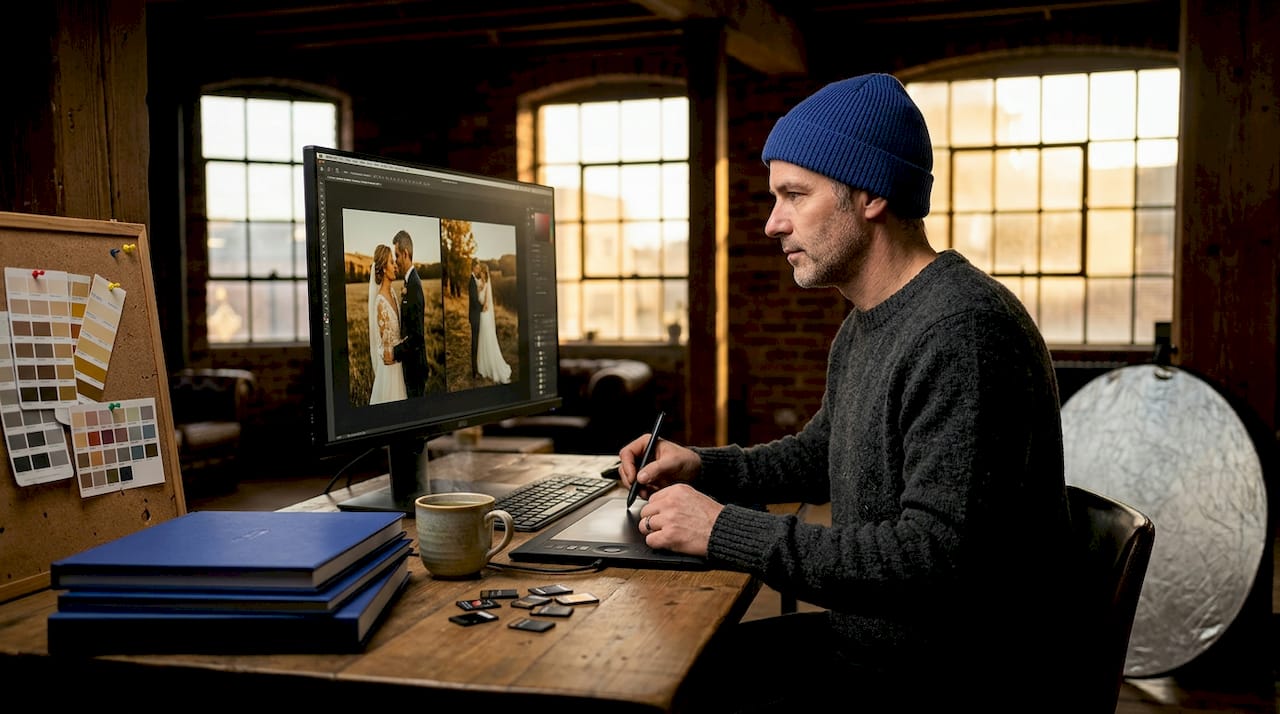
Understanding how to use wedding presets is where theory meets practice. The most efficient approach isn't to eyeball each image individually. It's to work in groups based on lighting condition, which reduces editing decisions and creates gallery-wide consistency.
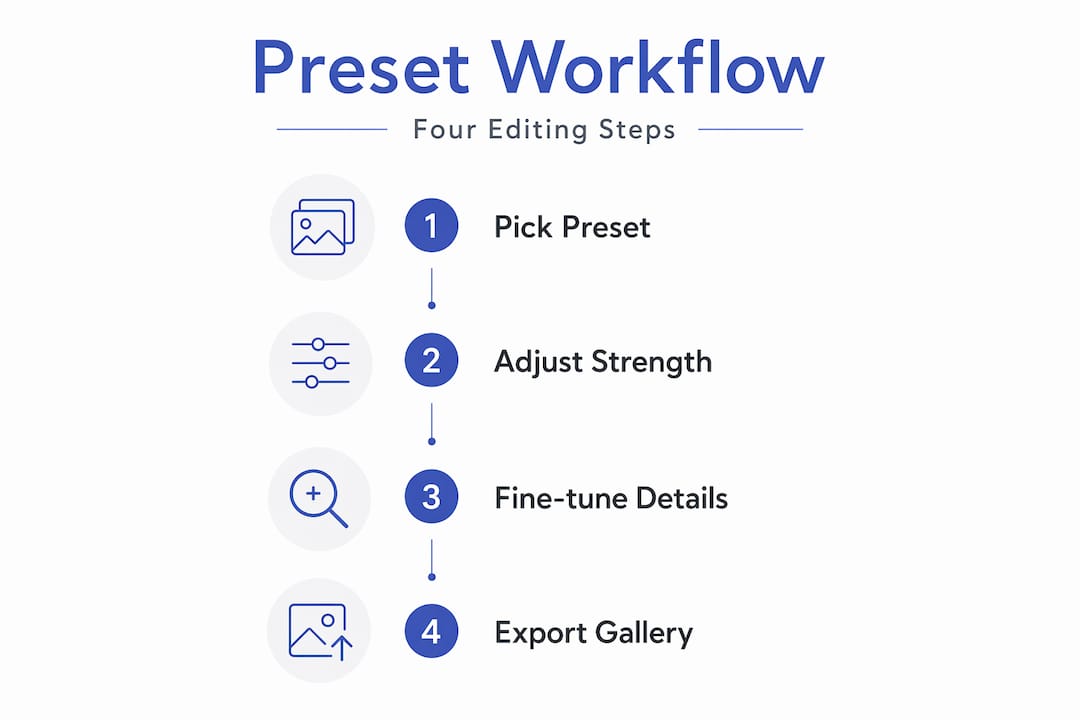
Here's how the workflow looks in practice:
- Step 1: Cull and sort. After delivery, sort images into lighting condition folders: outdoor ceremony, indoor reception, golden hour portraits, prep room window light.
- Step 2: Expose for highlights in-camera. This happens before editing, but it sets the foundation. Slightly underexposed raws give you more room with shadow recovery and prevent dress detail loss.
- Step 3: Apply the matched preset. Drag the calibrated preset onto the batch. A recommended starting workflow is to apply the preset, then immediately adjust white balance and shadows to lock in detail.
- Step 4: Dial in strength. Not every image responds to 100% preset intensity. Adjust the amount slider for outliers without touching individual sliders.
- Step 5: Fine-tune skin tones. Manual white balance correction is critical after preset application, especially for flash and mixed lighting, to maintain color accuracy.
- Step 6: Batch sync. Once one image per lighting group looks right, sync to the rest of that batch.
Pro Tip: Experienced editors often run two separate preset packs for a single wedding: one tuned for outdoor and natural light, and another calibrated for indoor and reception scenarios. Keeping these systems separate prevents color bleed between the two drastically different lighting environments.
Here's a quick comparison of editing with versus without a preset system:
| Editing Approach | Time per Image | Gallery Consistency | Decision Fatigue |
|---|---|---|---|
| Manual editing from scratch | 3–6 minutes | Low (varies by image) | Very high |
| Single generic preset applied | 1–2 minutes | Medium (fails in mixed light) | Low |
| Lighting-matched preset system | 1–2 minutes | High (consistent across gallery) | Low |
| AI-assisted preset system | Under 1 minute | High (adapts dynamically) | Very low |
Choosing the right preset style for your work
Before you buy a preset pack, it helps to understand what you're actually comparing. The terms can blur together when you're shopping. Presets, profiles, and overlays are three different things. Presets adjust Develop module sliders. Profiles change how Lightroom interprets the raw data before sliders are applied. Overlays add visual layers like grain or light leaks on top of an image. When someone says "wedding preset," they almost always mean slider-based presets, not the others.
Stylistically, the most popular approaches for wedding photography right now break down into three camps:
- Natural and clean: Minimal color grading, true-to-life tones, soft contrast. These age well and are the safest choice for clients who want timeless photos rather than on-trend aesthetics.
- Film-inspired: Lifted blacks, slight fade, warm or cool tints to mimic analog film stocks. These have been popular for over a decade and still sell well, though they can feel dated faster than natural styles.
- Editorial and moody: Stronger contrast, desaturated greens, cooler shadows. Works beautifully for certain venues and couples but requires more manual adjustment to keep skin tones from looking cold.
When choosing presets, avoid buying packs from five different creators and mixing them. Staying within one style family prevents the color inconsistency that shows up when you flip through a gallery and the tones feel disconnected from one set of images to the next. Look for packs that explicitly mention skin tone protection, highlight preservation, and multiple lighting variations. Those three features signal that the creator actually shot weddings when they built the product.
Learning about wedding photography terms beyond just presets will also sharpen your ability to evaluate what you're buying and communicate clearly with your photographer about the look you want.
My honest take on presets after years of shooting weddings
I've watched photographers treat presets like a magic button, drop them on an image, see something that looks close enough, and call it done. That approach produces galleries that are technically acceptable and visually forgettable.
What I've learned is that a great preset system solves one problem well: it gets you 70% of the way to a finished image fast, so you can spend your mental energy on the 30% that actually requires judgment. White balance correction after flash. Recovering detail in a veil under direct sun. Cooling down a skin tone that went orange under tungsten. Those decisions still need a human eye.
The other mistake I see constantly is chasing trendy presets. Heavy orange-teal grading, extreme fades, desaturated skin. It looks striking for about eighteen months, and then your clients' photos look dated. The couples I photograph in San Antonio want images they'll still love in 30 years. That pushes me toward natural tones with light grading rather than anything heavy-handed.
My strong recommendation: buy presets designed specifically for weddings from creators who shoot weddings. The difference between a generic portrait preset and a properly engineered wedding preset shows up the moment you apply it to a challenging reception shot. Generic presets were not built to protect a white dress under mixed flash and tungsten. Wedding presets were.
And if you're an engaged couple reviewing a photographer's portfolio, pay attention to consistency across the gallery. Do the ceremony photos and the reception photos feel like they belong together? If the answer is yes, you're looking at a photographer with a well-developed preset system and the editing discipline to use it correctly. That matters for how your wedding album reads as a complete story.
— Todd
See what a professional editing workflow looks like in your gallery
At Larsonprophotography, every wedding gallery delivered to clients reflects the same commitment to consistency and quality you've read about here. The editing workflow covers lighting-matched presets, manual skin tone correction, and careful highlight preservation so your photos look cohesive whether they were shot at a sun-drenched outdoor ceremony or a candlelit reception venue.
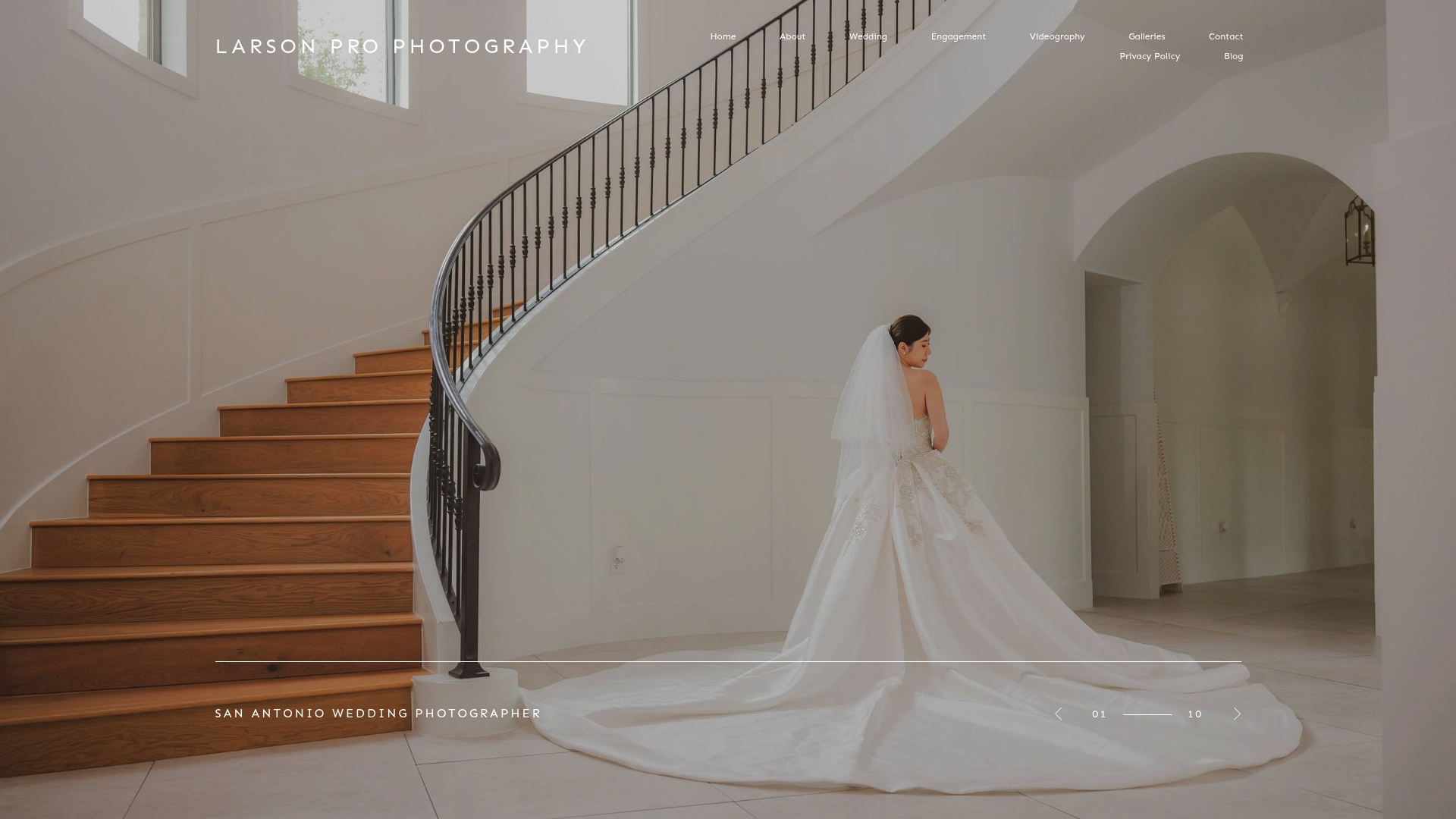
If you're planning a wedding in the San Antonio area, explore the full range of wedding photography services offered at Larsonprophotography, or browse past work in the client gallery to see the editing style in action across real weddings. For couples who want to start with an engagement session before the big day, the engagement photography page covers everything you need to know about booking and what to expect. Reach out directly to discuss your date and vision.
FAQ
What are wedding photo presets in simple terms?
Wedding photo presets are saved collections of editing settings applied to images in Adobe Lightroom with a single click, adjusting exposure, color, contrast, and sharpening all at once. They are not filters. They are non-destructive editing recipes stored as .XMP files that can be adjusted or removed at any time.
How do wedding presets differ from regular photo presets?
Wedding presets are designed to handle the specific challenges of a wedding day, including changing light conditions, skin tone accuracy across diverse complexions, and highlight protection on bridal whites. Generic presets are typically built for one controlled lighting scenario and fail under the varied conditions of a full wedding.
What's the best way to use wedding presets without over-editing?
Apply the preset at 60–80% strength as a starting point, then manually correct white balance and fine-tune any skin tones that shifted during the application. Presets work best as a foundation, not a finished product.
Where can I find wedding presets worth buying?
Look for preset packs from photographers who specifically shoot weddings and explicitly mention skin tone protection, highlight preservation, and lighting scenario variations. Staying within one creator's style family prevents inconsistent tones across your gallery.
Can engaged couples tell when a photographer uses presets?
Not directly, but they can see the result. Consistent color and tone across a full wedding gallery, from the ceremony to the reception, is the clearest sign that a photographer is using a well-built preset system combined with strong editing judgment.